Transparent Pipeline
Follow your clip through the edit.
Every stage produces a concrete edit decision you can inspect and approve inside ClipNeeds Studio.
Upload clips01
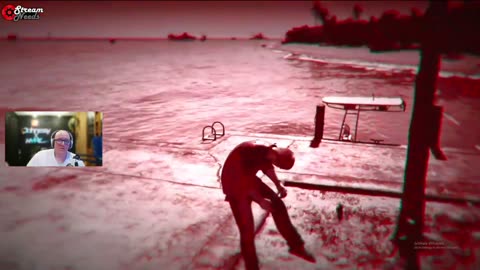
Raw stream file synced from Drive.3840×1080 · 60fps
Find the moment02
Detects the buildup, point-blank blast, and facecam reaction peak.
02:35.2 → 02:48.1
Apply style03
Loads pacing, color grade, and caption rules from your chosen preset.
Juicy High-Energy
Build the edit — 3 parallel passes
Cuts04A
Removes dead air and tightens beat transitions.
Captions04B
Transcribes speech and syncs punchy emphasis words.
"LOST THE WANTED LEVEL!"
Reframing04C
Tracks action in 9:16 and docks facecam clear of UI.
Preview & Review05
Checks vertical framing, loudness (−14 LUFS), and captions before you approve in one tap.
1080×1920
−14 LUFS
Captions synced
Export & Queue06
Saves finished MP4s cleanly to Google Drive, with optional Metricool calendar queuing (60-min spacing).
MP4 Export · Metricool MCP
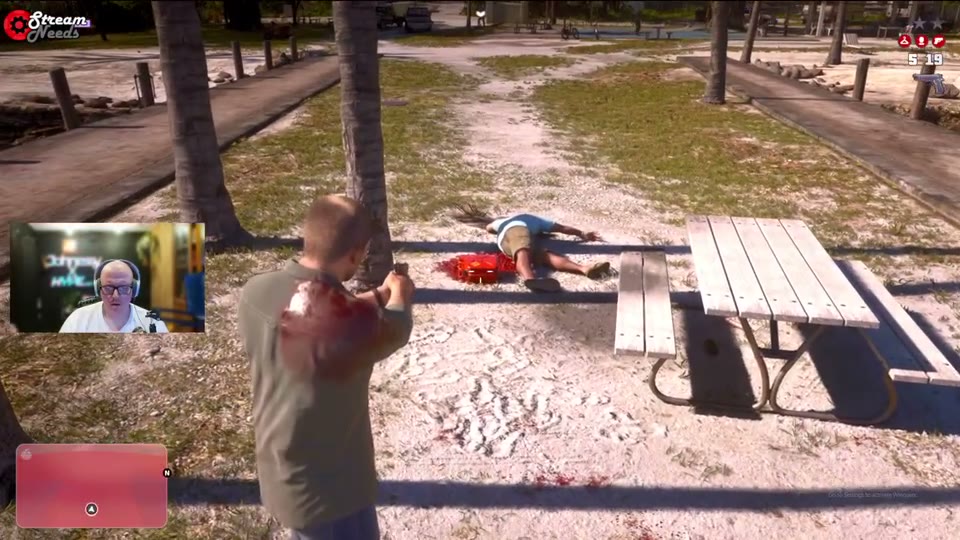
See it on your phone.
Switch between destinations while the clip keeps playing. Check that captions, facecam, and action stay clear of every interface button.
TikTok — Safe-Zone Checked
Captions sit above the description stack and left of the right-hand engagement rail so nothing covers the punchline or facecam.